Spec-to-Release for Kubernetes
Deploy apps to Kubernetes from a short spec
One binary. No Helm chart to maintain. Nothing to install in the cluster. You get a real Helm release.
Apache 2.0. No vendor lock-in. You bring the cluster and the image.
Why this exists
The Kubernetes work moves.
- In the app repo A Helm chart sits next to the code. You own the templates.
- On every developer They write Helm values, or the whole chart.
- In the cluster You install a server and a UI into Kubernetes, then keep that running.
Deployah keeps that work out of all three.
Spectro Cloud: 92% agree developers should not manage infrastructure. One in three say they still build their own clusters. [ref]
Ownership
Two files, two owners.
App teams own what to run. Platform owns where it runs.
apiVersion: v1-alpha.5
project: my-app
components:
  web:
    image: nginx:1.26
    port: 80
expose: trueapiVersion: platform/v1-alpha.3
environments:
production:
context: prod-eks
domains:
public:
baseDomain: example.com
tls:
mode: certManager
issuer: letsencrypt-prodThese apiVersions are alpha. Expect breaking changes between releases.
Proof
20x less YAML you own
Nginx 1.26, public HTTPS. Same Deployment, Service, Ingress, and probes. [ref]
20x is against the Helm chart. The other two are near 8x.
CNCF: 75% prefer Helm for packaging Kubernetes apps. We ship a Helm release. The chart is what you stop owning. [ref]
Plan
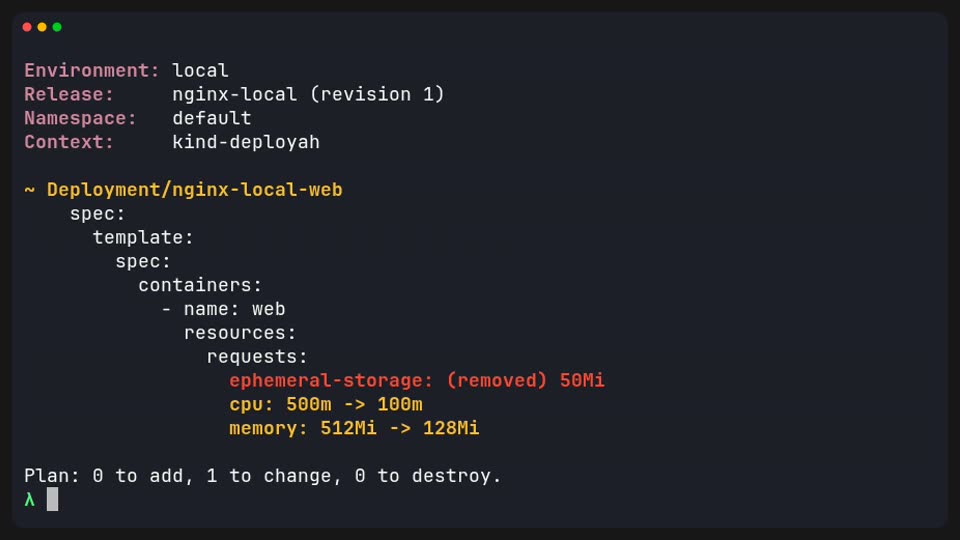
Plan before apply. Same CLI in CI.
Same binary on your laptop and in a CI/CD pipeline. Broken paths, bad probes, and task cycles fail before apply.
--detailed-exitcode exits 2 when something would change.
Red Hat: 40% of teams detected a Kubernetes or container misconfiguration in 12 months. We stop the classes we test, before apply. [ref]
Local
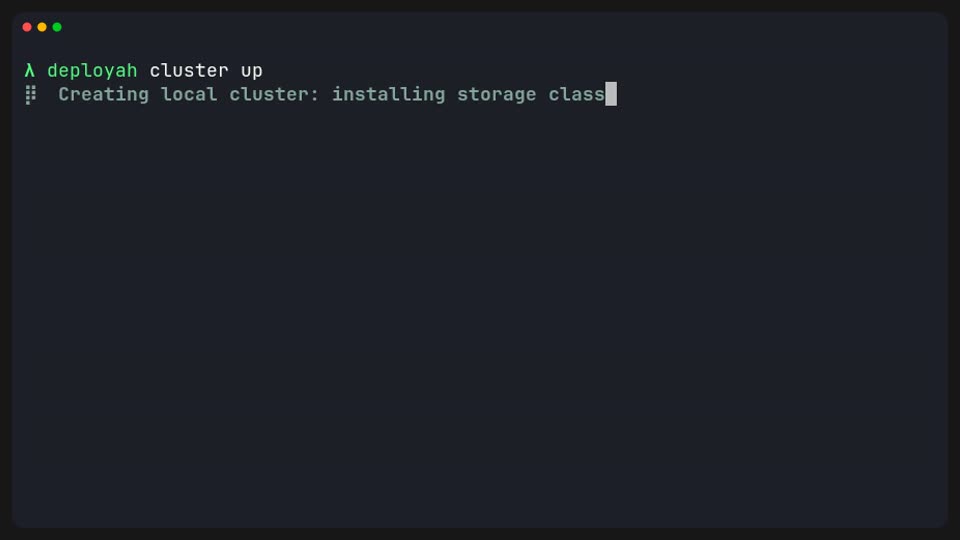
A cluster on your laptop.
Needs Docker or Podman. That is the only extra tool.
Warm is about 35 seconds. Cold is about five minutes.
Already have a cluster? Set the environment's kube context. Same spec.
After deploy
Logs and a shell take the project name.
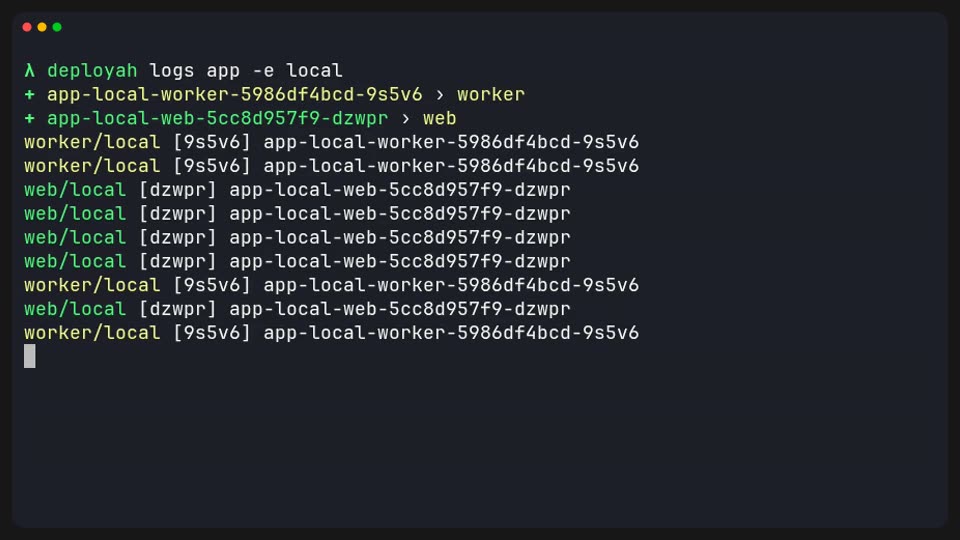
Every pod's logs.
It tails every pod. Filter with --component if you want one.
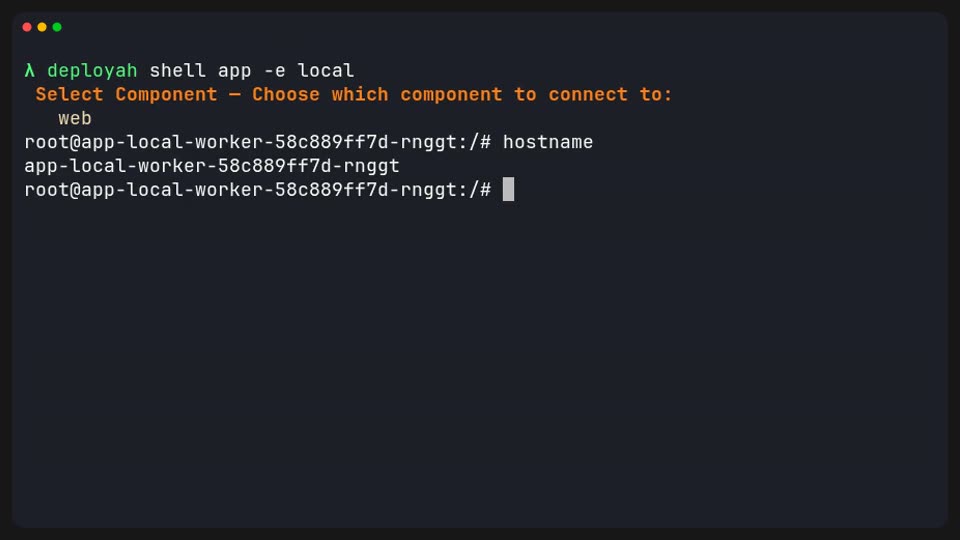
A shell in the container.
Finds a shell in the container. Multiple components show a list. Or pass --component.
Commands
Everything runs from a single binary.
No separate helm, kubectl, or kind to install.
Creates the spec and platform file.
Install or upgrade the Helm release.
Shows a diff against the last release. --offline renders and validates with no cluster.
Runs a spec task as a Job. Tasks can also run on every deploy.
What is deployed in an environment.
Removes the release. Check it first with --dry-run.
Install the CLI.
$ brew install deployah-dev/tap/deployah
Then run $ deployah init.